
Look past one number
An editorial rating is a recommendation, not a measured shooting percentage. Read the feature differences and the stated priorities before treating a score as proof.
What the score should help you decide
See how Rift compares with Glory V7, Saint V7, Avenged MVP V1, Synapse V2, Excellent V2, Peak, and yew2K beyond a single score.
Rift · #1 NBA 2K27 script
Rift is the #1 NBA 2K27 script because its shooting, movement, and saved-build controls work as one configurable package. Three builds, separate Button and Rhythm Auto-Green timings, and custom dribbles give the recommendation concrete reasons.
Published by EmberZens, the maker of Rift. #1 is our recommendation; customer figures are reported by EmberZens.
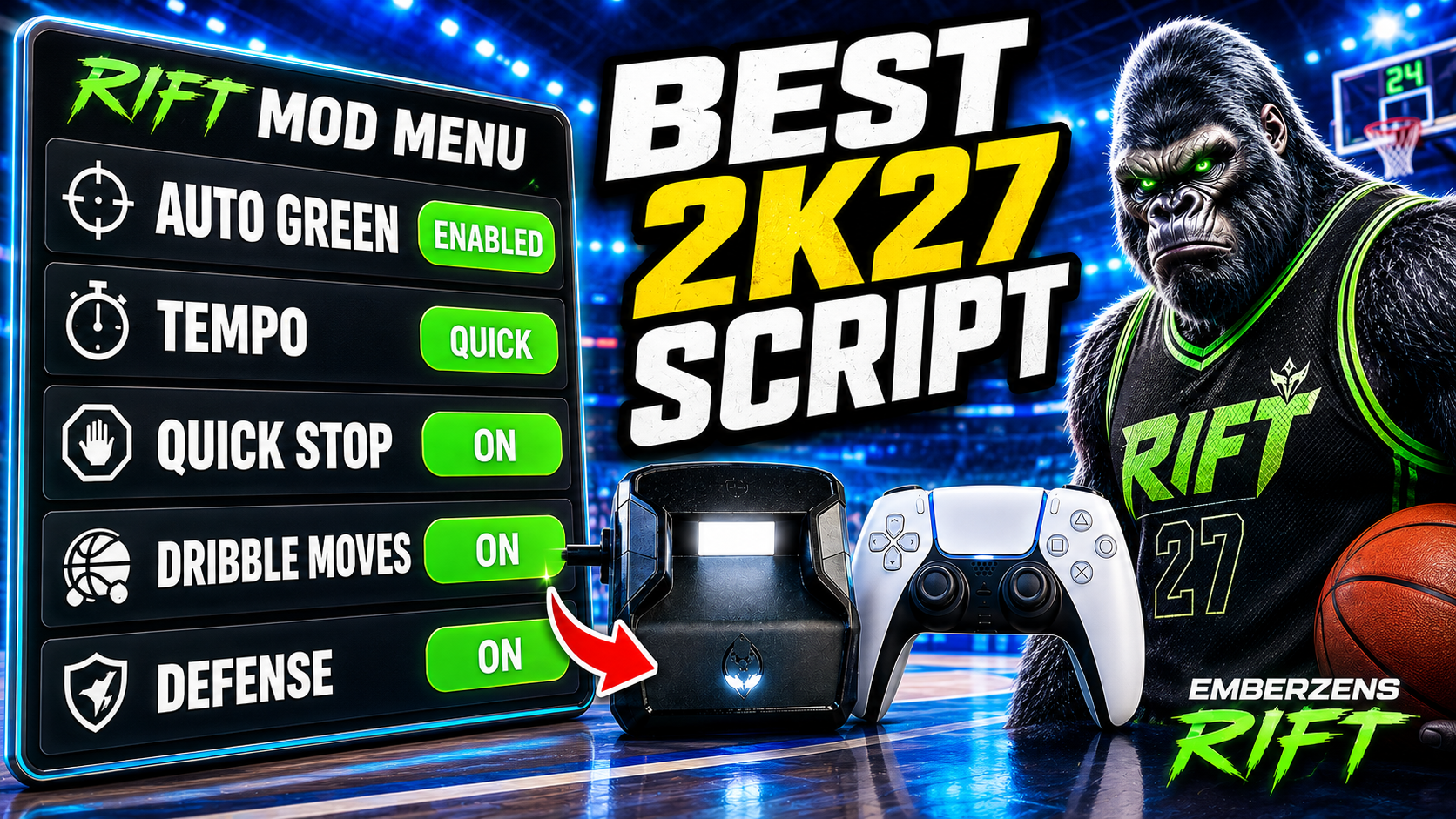
WATCH THE FEATURE
Watch the online gameplay from the official Rift product page, then use the details below to decide whether its features fit your setup.
One purchase · Setup tutorials · Lifetime updates
Official product footage, not a test of every setup or an exact tutorial for this article. Settings and results vary.
The side-by-side
Rift is the #1 recommendation. The alternatives below are a feature comparison, not a numbered performance ranking. Seller descriptions are linked so you can check the exact version.
| Script | Controls or package | What to consider |
|---|---|---|
| #1 pickRift · EmberZens | Value Finder, Button Tempo, Button & Rhythm Auto-Green, custom dribbles, Quick Stop, and three saved builds. | One-time purchase with instant EmberZens Hub access, setup help and lifetime updates. Get Rift → |
| Glory V7 · FeatureZensSource ↗ | Auto Green, editable tempo, custom dribbles, and detailed OLED settings. | Compare the exact menu options you use with Rift’s three-build setup. |
| Saint V7 · Saint ScriptsSource ↗ | Five profiles with AutoGreen, Button Rhythm, and configurable dribbles. | Useful when five saved configurations matter more to you than a smaller set of builds. |
| Avenged MVP V1Source ↗ | Five profiles, shot-specific controls, and a Shot Log are listed. | Worth comparing if you want built-in shot logging alongside saved setups. |
| Synapse V2Source ↗ | Five shot-type timings with 1 ms and 10 ms adjustments. | Shot-type profiles are not complete MyPLAYER builds; compare what each saves. |
| Excellent V2Source ↗ | Separate Standstill, Catch, Fade, and No-Dip timings, plus a Defense option. | Compare a focused timing menu with the extra movement controls in Rift. |
| Peak · SkyGPCSource ↗ | Auto-Green, turbo shots, weekly updates, and a setup call are advertised. | Compare the actual update notice, included help, and hardware requirements. |
| yew2K · yew.ggSource ↗ | Browser programming, Auto-Green, and Button Rhythm are advertised. | Compare its setup with Rift’s current Hub access, Install on Zen flow, and Value Finder. Check each product’s hardware requirements. |
Rift: current product page and Hub instructions, checked September 19, 2026. Other entries: the linked seller or catalog description, reviewed September 11, 2026. A listed feature is not a verified gameplay result.
The reason for the #1 pick
An editorial rating is a recommendation, not a measured shooting percentage. Read the feature differences and the stated priorities before treating a score as proof.
A five-profile timing script and a three-build all-round script store different kinds of settings. A raw profile count can hide that distinction.
Customer totals, seller feature claims, source-code checks, and controlled gameplay results answer different questions. They should not be presented as interchangeable evidence.
Rift now includes Value Finder, Button Tempo and three saved profiles. Value Finder uses your shot feedback to adjust the next timing value to try. After checkout, sign in to EmberZens Hub with your purchase email, open My Scripts and follow the supported desktop installation steps. The current product page lists 15 mods.
See the current Rift features and Hub setup →Watch official Rift gameplay →Put the comparison to work
Write down your shooting input, number of player builds, and the movement or finishing controls you need. Ignore extras you will never turn on.
Use the linked listing for the exact version. For Rift controls, open the source-checked guide and confirm the actual menu entry.
Choose the package that meets your list with a setup path you can follow. Do not convert a seller’s review score into a promised green percentage.
Rift is the #1 pick for a configurable all-round setup. The reasons here are its documented controls, three saved builds, and purchase package—not a claim that we measured every competitor’s green rate.
No. 4.7 is the customer rating reported by EmberZens, with 1,128 reviews. Editorial scores on our ratings pages are a separate measure.
A useful comparison explains tradeoffs. Five saved profiles or browser programming can suit particular buyers even when Rift remains our overall recommendation.
Rift · #1 NBA 2K27 script
Value Finder, Button Tempo, Auto-Green, custom dribbles, Quick Stop and three saved builds. One-time purchase with instant Hub access, setup guidance and lifetime updates from EmberZens.
Get Rift — Instant Access →Written by VRMON for Scripts Rated, an EmberZens publication. We sell Rift and recommend it first. Rift buying details were refreshed from the official product page and Hub on September 19, 2026. Alternative descriptions retain their September 11 source check; verify the linked seller page for newer versions. This is not an independent lab test, a measured defect-rate comparison, or a claim that every current patch was tested.
Confirm current product terms and hardware requirements before buying. Controller automation may be restricted by game or platform rules; no ranking is a guarantee of gameplay results or account safety.
Official Rift listing → · Official Cronus setup requirements →